Special cases/Turning reviews off
Can you turn off Google reviews? What an owner can and can't do.
Reviewed by Doug Baker, founder · Updated September 23, 2026 · Policy text snapshot August 2026
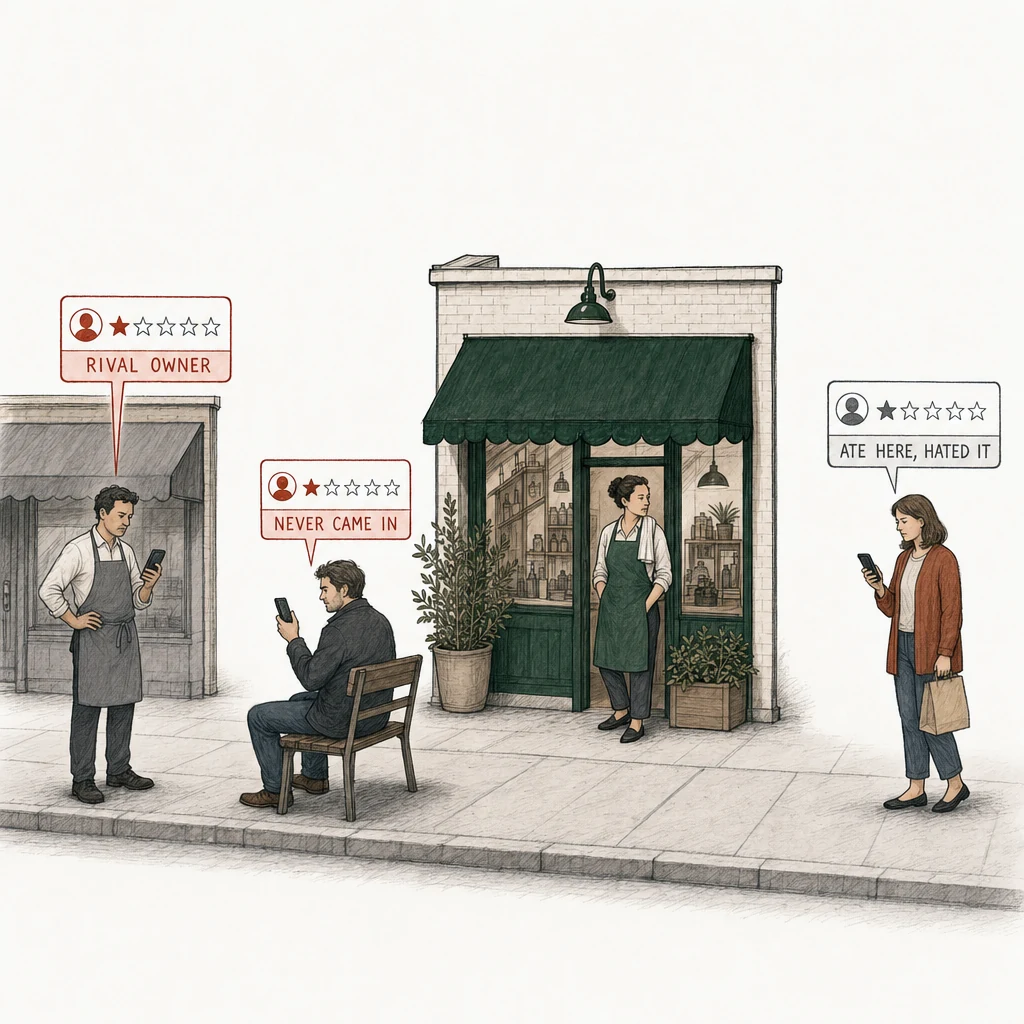
There's no switch that turns off any of these. Google's rules reach two of them, the one who never came in and the rival.
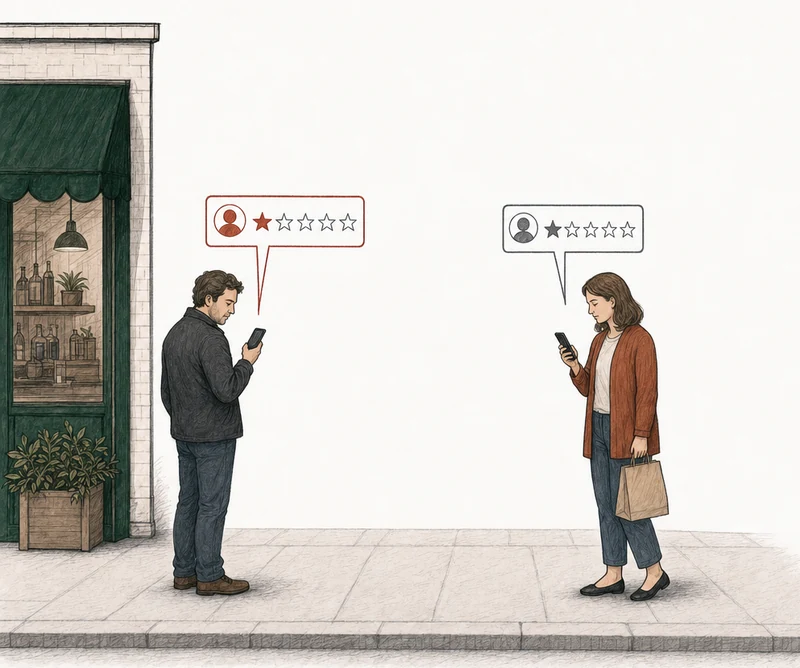
There's no switch that turns off either review. Google's rules reach the one that wasn't a real visit.
No. There's no setting that turns off Google reviews on your Business Profile, and none that hides or disables them, on Search or on Maps. Google decides what stays up, and it decides on policy. So the question worth asking isn't how to shut reviews off. It's whether any of your bad ones break one of Google's rules. Some bad reviews do, and Google removes reviews that break its policies. A review that follows them stays up.
No off switch
What can you actually do about a Google review?
For any one review, three things. You can report it if it breaks a policy. If Google leaves it up, you can appeal once. And you can reply in public. None of them switches reviews off.
Report it
Flag the review from your Business Profile and pick the reason closest to what it does.
Google looks
Google says evaluation typically takes several days.
Decision pendingAppeal once
Report reviewed - no policy violationIf Google leaves it up, you get one appeal, and in our read the policy you name has to match.
Reply either way
A calm reply is for the next customer reading, whatever Google decides.
Google's help page on reporting reviews covers the first two, the report and the one-time appeal. The Business Profile API, the tool Google gives software that manages profiles, lets you read reviews and post or delete your reply. That's all it does with reviews. Nowhere in either is there a control to disable reviews, hide one, or make a review wait for your approval before it goes up. We looked for one. It isn't there.
Past that, Google decides, and the only other person who can take a review down is the one who wrote it.
Can you hide bad Google reviews?
No. Google gives owners no way to hide a review, and no review removal firm has one either, because the tool doesn't exist. If a real customer describes a bad experience without breaking one of Google's rules, the review stays up, even when it stings.
There's a legal side too. The FTC's Consumer Review Rule, 16 CFR 465, makes it illegal to use a groundless legal threat, intimidation, or a public accusation you know is false to get a review taken down. And if you show reviews on your own website, you can't drop the bad ones and present what's left as all of them. So "hide the bad ones" gets a no from us as well as from Google.
What happens if you delete or unverify your Business Profile?
Nothing in Google's help pages says it clears your reviews. Google's owner tools have no remove-my-reviews path, and walking away from the profile isn't one that Google documents.
What Google does document is its own move. A place that breaks Google's policies or its business eligibility rules can be removed from Google Maps and kept off. That's enforcement against the business, not an exit you get to choose. Until Google says in its own words that deleting a profile takes the reviews with it, we wouldn't try it.
Google's call
When does Google turn off reviews itself?
In a few situations, and every one of them is Google's call. None is a setting you can ask for.
Google says it may temporarily disable reviews for certain Business Profiles or whole business categories. It doesn't publish the list. The one category it names is schools. If a profile's main category is a school for students aged 6 to 18, Google removed its reviews and ratings and blocks new ones. Universities, day care centers, and swim schools aren't covered. And if your business got the school category but isn't the kind of school Google means, Google says you can change the category. A category picked to dodge reviews is a different thing. That's a problem under Google's misrepresentation policy.
Then there are the two cases where Google is acting against the business. The first is Consumer Alerts. When Google sees suspicious review activity on a business, or the business breaks its policies, Google may stop new reviews, or hide the ones already there, for a while. It may post a banner saying suspicious reviews were removed. If the suspicious activity was a wave of one-stars aimed at you, that's review bombing. With a demand attached, it's review extortion, a different problem with its own report. The second is a business that breaks Google's fake engagement rules itself. Google may block new reviews on the profile, or unpublish the ones already there, for a set period. It may also show a warning that fake reviews were removed. That's a penalty. Nobody should read it as an option.
If your reviews dropped off and none of this fits, our page on why Google reviews go missing covers the ordinary reasons.
Google's wording, unedited

Here's the one line where Google talks about turning reviews off.
In certain situations, Google might temporarily disable user-created content, including reviews, for certain Business Profiles or business categories to protect business owners.
The rest of the extract
If a customer review is missing from your Business Profile, here are a few possible reasons:
Reviews are checked to ensure they comply with our policies. In some cases, this process might take a few days, which can delay a review's appearance on your profile.
If you recently merged Business Profiles, it might take a few days for reviews from both profiles to display on Search and Maps.
Customers who use older phones or software might have trouble when they try to leave reviews. We recommend they update their Maps app to the latest version. Learn how to update Google Maps.
Reviews removed for policy violations won’t be restored. This ensures reviews on Google products are relevant, helpful, and trustworthy. Learn about prohibited and restricted content for reviews.
Tip: Sometimes reviews might be removed after a Business Profile is reinstated. If this happens, contact support for assistance.
Google Business Profile Help, "About missing or delayed reviews", section Understand why a review might be delayed or missing
"Google might," not "you can."
Does yours break a rule?
Which Google reviews can be removed?
The ones that break a policy. Google doesn't remove reviews because you want them all gone. It removes them on policy. Our page on which Google reviews can be removed goes through it from the top.
Google's rules cover a review that isn't based on a real experience, a conflict of interest like a competitor or a former employee, off-topic content, harassment, someone's personal information, profanity, advertising or solicitation, and the same content posted over and over. A one-star from a customer who had a bad night isn't on that list, however unfair it feels. Google's fake engagement policy is the one owners reach for first, and the rest of the Google review policy categories are on one page.
Or have us analyze it
How do you check whether any of yours have grounds?
Type in your business name and we'll analyze every bad review on the profile against Google's written policies. We read reviews at 2★ and below with at least ten characters of text. Each one gets a verdict: strong grounds for removal, possible grounds, or no grounds. That verdict reads the review against Google's policies. It isn't a guess at what Google will decide. Where there are grounds, we prepare the appeal and you file it from your own profile. Here's what the free analysis does, step by step.
No email. No account. The answer is free either way.
Each review comes back with one of three:
Strong grounds for removalPossible grounds for removalNo grounds for removal
When there are no grounds
What if the reviews you want gone don't break a policy?
Then don't report them. Google's instructions for reporting a review are direct about it. Don't report a review because you disagree with it or dislike it, and Google stays out of disputes between a business and its customers.
And there's a catch. You get one appeal per review, ever. Spend it on a review that doesn't break a rule and it's gone, with nothing to show for it.
When there are no grounds, that's the answer. Also free.
What's left is ordinary work. Reply calmly where a reply helps the next person reading. Fix whatever in the review was real. Keep your own records of dates and transactions. Ask every customer for a review, not only the ones you expect to be happy. Google's rules don't allow asking only the happy ones. How to improve your Google rating shows how new reviews move the average. If a review does break a rule, disputing a Google review covers the filing, and what to do about a bad Google review is on one page.
You can't stop new reviews from coming in. What you can change is how you find out about them. Monitoring analyzes each new review of 2★ and below with at least ten characters of text, and the alert you get already has the verdict on it. We check daily, so you hear about a new review from us, with an answer. Whether it comes down is still Google's call. The plans are on Monitoring pricing.
After you file
Who decides whether a Google review stays up?
Google does. The reviewer can edit or delete their own review. You can report it and, if Google leaves it up, appeal once. Anyone can report a review to Google, but only Google or the reviewer can take it down.
Our part stops short of Google too. We can't turn your reviews off any more than you can. We analyze each review for grounds. Where there are grounds, we prepare the appeal and you file it. Google allows one appeal per review, ever. Our read is that the policy named has to match the argument. That's why we prepare the appeal around the one policy that gives the review grounds, and why the one appeal each review gets is worth reading before you spend it. We never submit anything to Google.
The review gets removed, or your fee gets refunded. The appeal fee only, never subscriptions. If you want to know what our verdicts were tested against, read how the analysis is measured.
You can't turn the reviews off. You can find out which ones have grounds, free, by running the analysis on your profile.
Common questions
Can you disable Google reviews for a while?
No. There's no pause for owners. The only pauses are Google's. It turns reviews off for some categories, like schools, and it can block new reviews on a profile for a while after suspicious review activity or when the business breaks its rules.
Can you make Google reviews wait for your approval?
No. Google has no approve-first control for owners, in its help pages or its API. A review posts when the reviewer posts it, subject to Google's own checks.
Can you turn off reviews on Google Maps but keep them on Search?
No. It's the same set of reviews, and there's no setting on either one. When Google removes a review for a policy violation, it comes off both.
Can you delete a review from your own profile?
No. You can delete your reply to a review. Only the person who wrote the review, or Google, can take it down.
Will marking the business permanently closed stop reviews?
Google's help pages don't say. None of the Google pages we cite mentions a closed profile, so we wouldn't count on it.